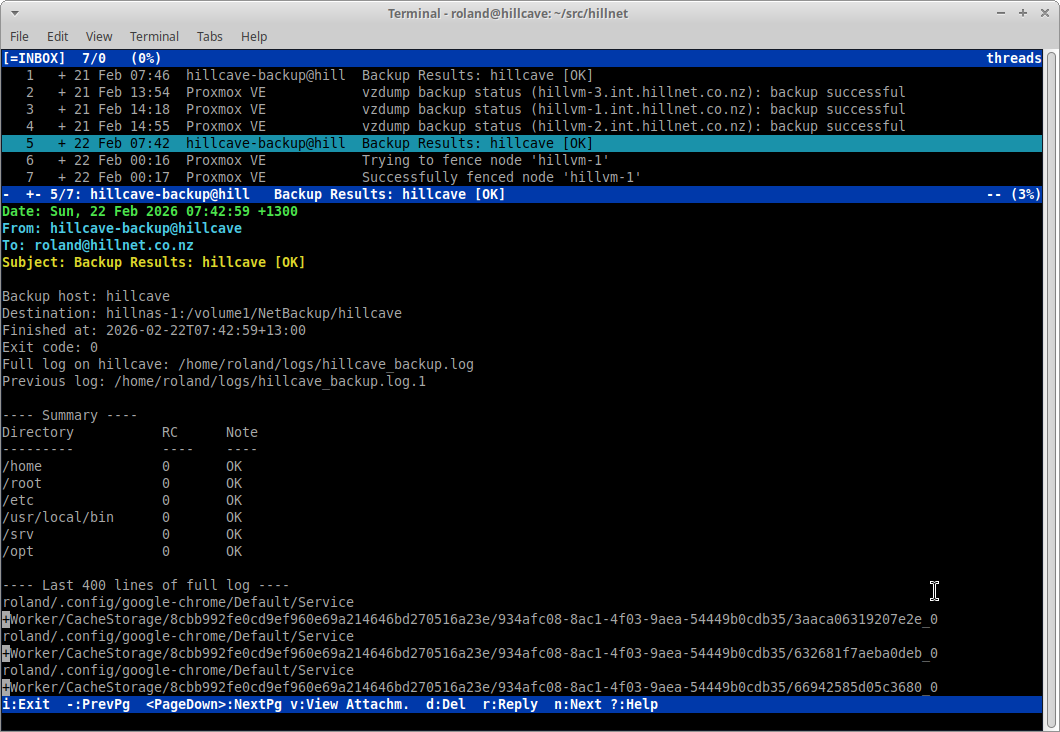
I’ve used Mutt for years, but recently had to rebuild my configuration from scratch. In hindsight, that turned out to be a blessing. Instead of carrying forward years of accumulated tweaks and workarounds, I rebuilt it cleanly with a modular structure and a couple of genuinely useful improvements: account switching and colour theme switching.
A Modular Structure
Rather than keeping everything in one monolithic ~/.muttrc, I now
split things into:
~/.muttrc(main entry point)~/.mutt/common/(shared settings, keybinds, colours)~/.mutt/accounts/(per-account configuration)
The main config simply sources the shared settings and then loads a default account:
| |
This makes the layout readable and maintainable. Each account file only
contains what differs — typically from, imap_user, and the
sendmail command.
Switching Between Mail Accounts
I run two mailboxes on the same domain:
roland@hillnet.co.nzroland_lists@hillnet.co.nz
Each has its own IMAP login, but I use msmtp locally to relay mail via
my internal server.
Each account file looks something like this:
| |
Switching between accounts is handled with simple macros:
| |
Pressing F2 or F3 reloads the relevant account configuration and jumps to its inbox. Clean, fast, and no restarts required.
Colour Theme Switching
I also keep colour schemes in their own directory:
~/.mutt/colors/
Each theme is a separate file, for example:
modern-dark.muttrc
midnight-teal.muttrc
Switching themes is just as simple as switching accounts:
| |
This makes it trivial to change the look of Mutt on the fly without touching the core configuration.
Why This Approach Works Well
- The configuration is modular and easy to reason about.
- Each account is isolated and self-contained.
- Themes are independent of behaviour.
- Everything can be version-controlled cleanly in Git.
Rebuilding from scratch forced me to understand each line again. The result is a much cleaner and more intentional setup than what I had before.
Sometimes losing a configuration is the best way to improve it.